Architectural visualization and interactive 3D experiences for builders, developers and designers. Help clients see the space—and choose its finishes—before construction begins.
Live model · Simplified browser lighting. Palettes are illustrative material studies. Drag to orbit; pinch or scroll to zoom. For presentation-quality finish comparisons, explore the material studio ↗.
02 / Real project work
The starting point. The space it becomes.
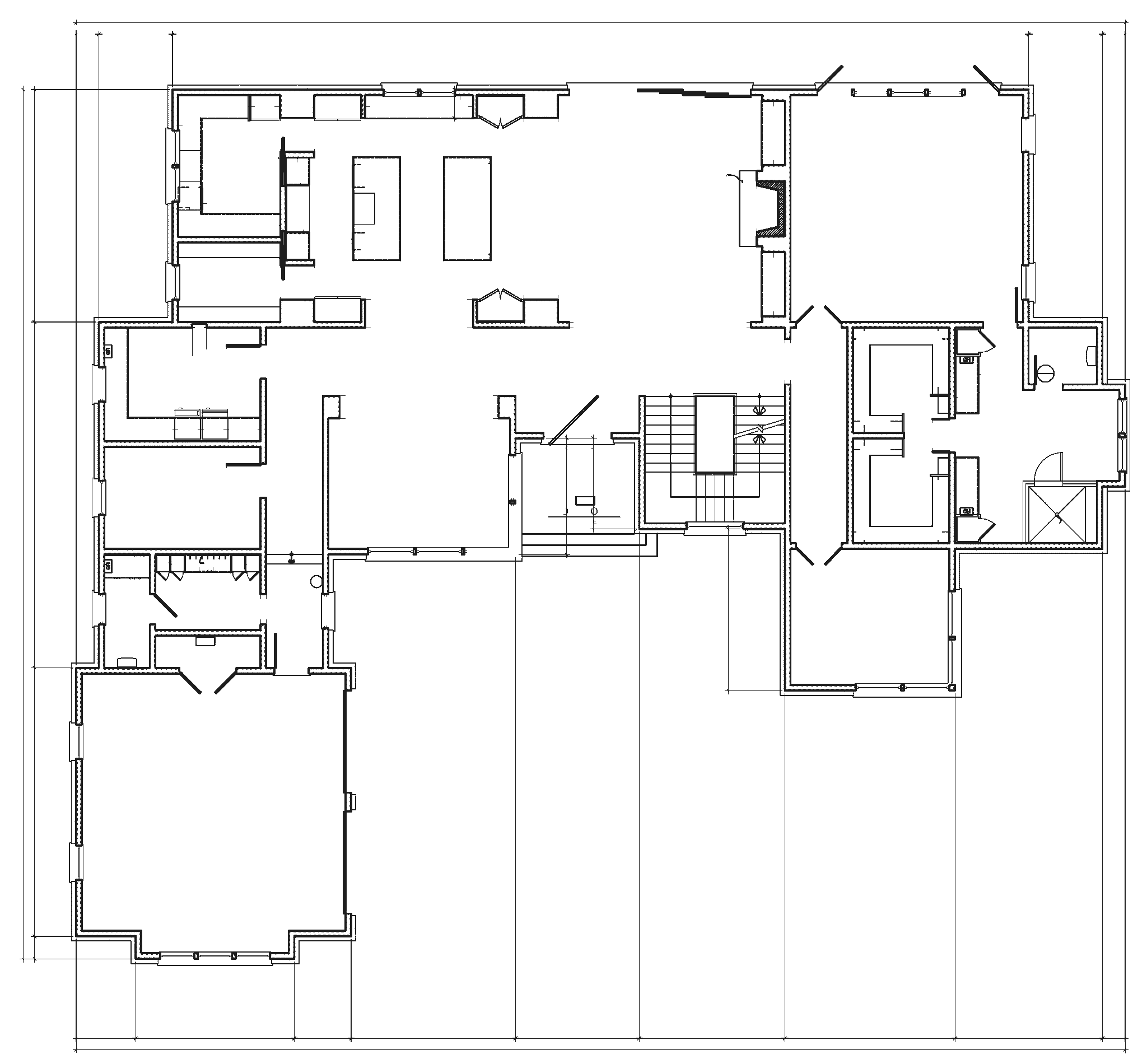
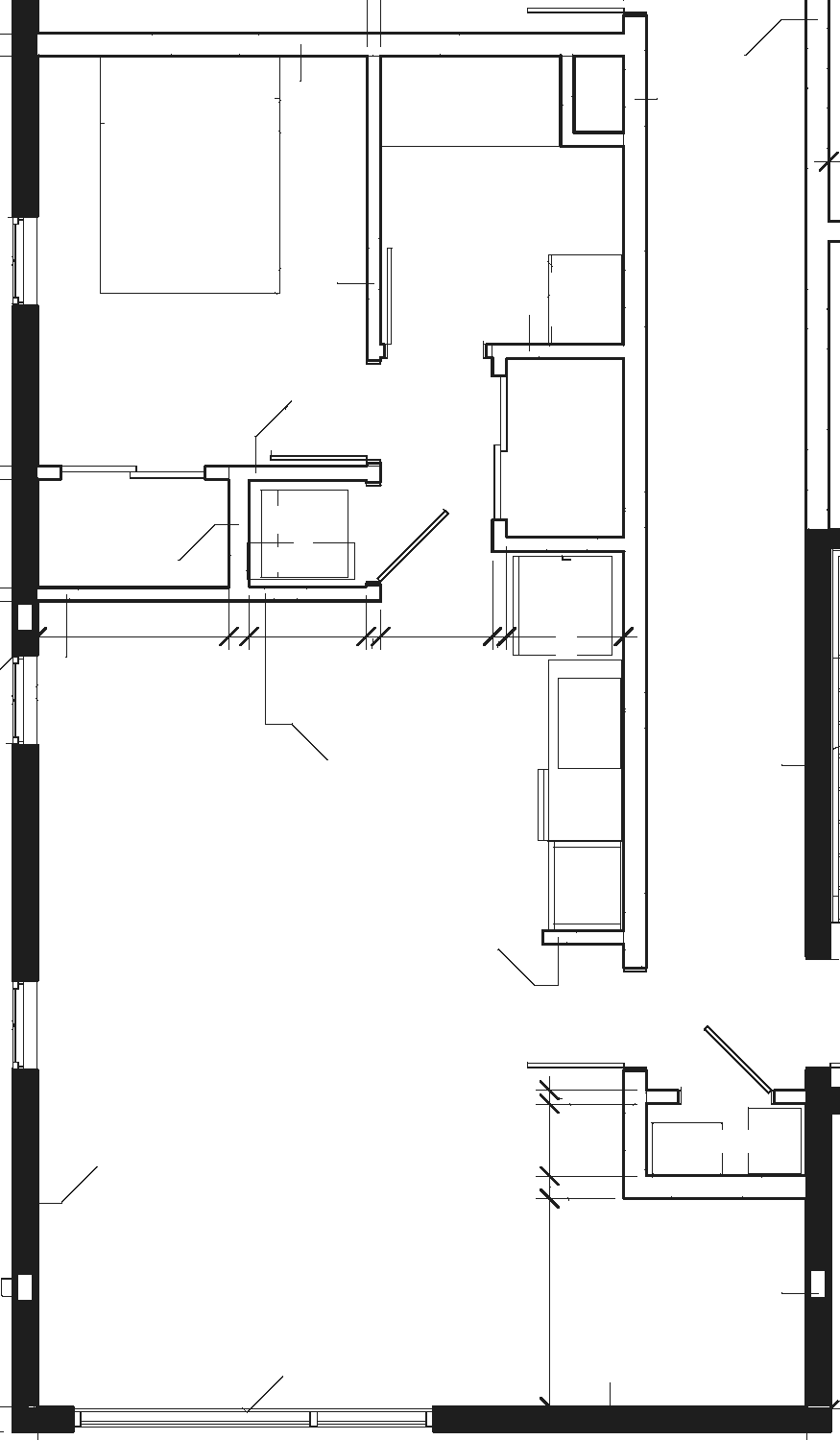
Actual project drawings and material references, translated into architectural visualizations.
01 / Custom residence
A home they can feel. Before it’s real.
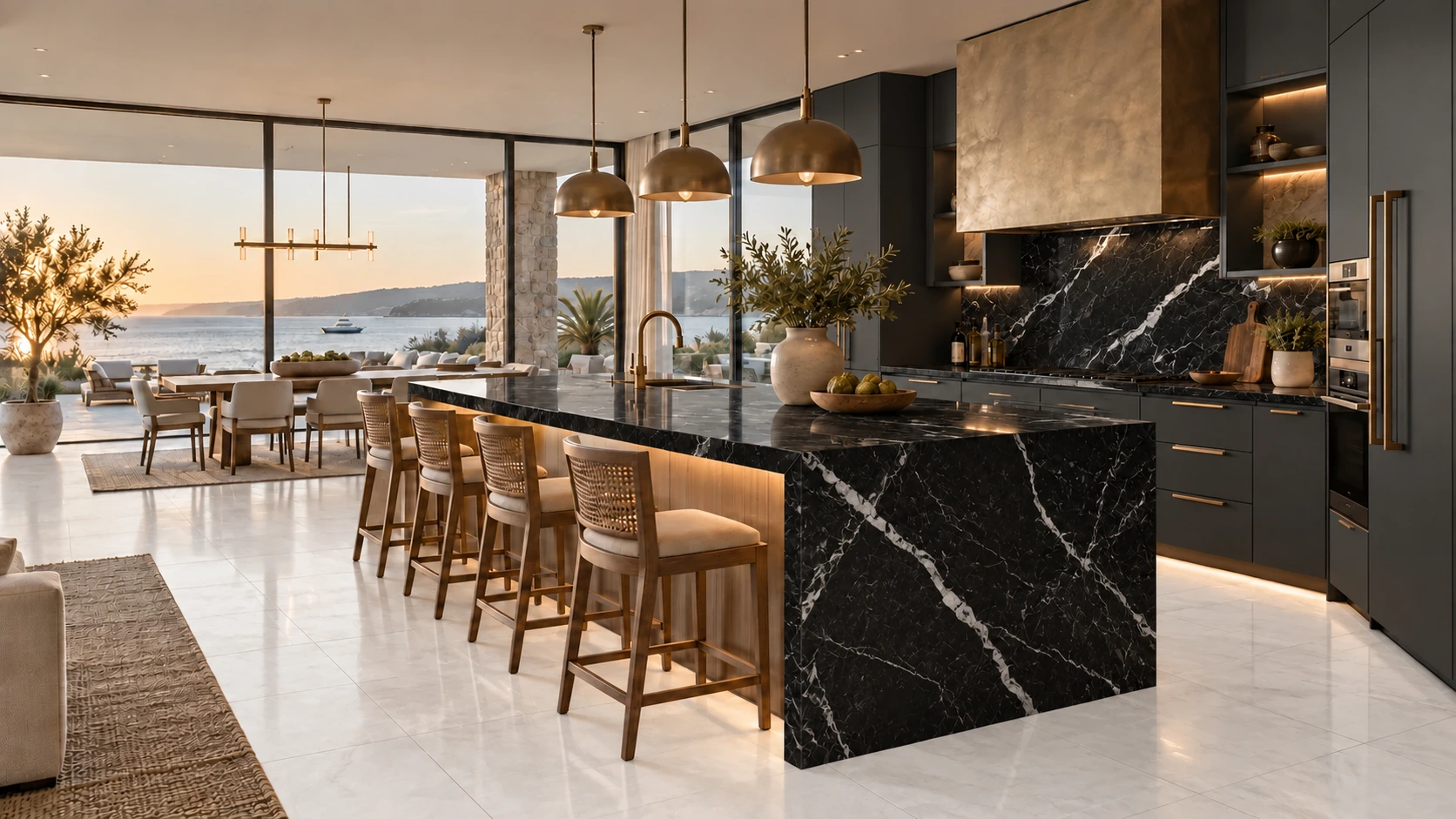
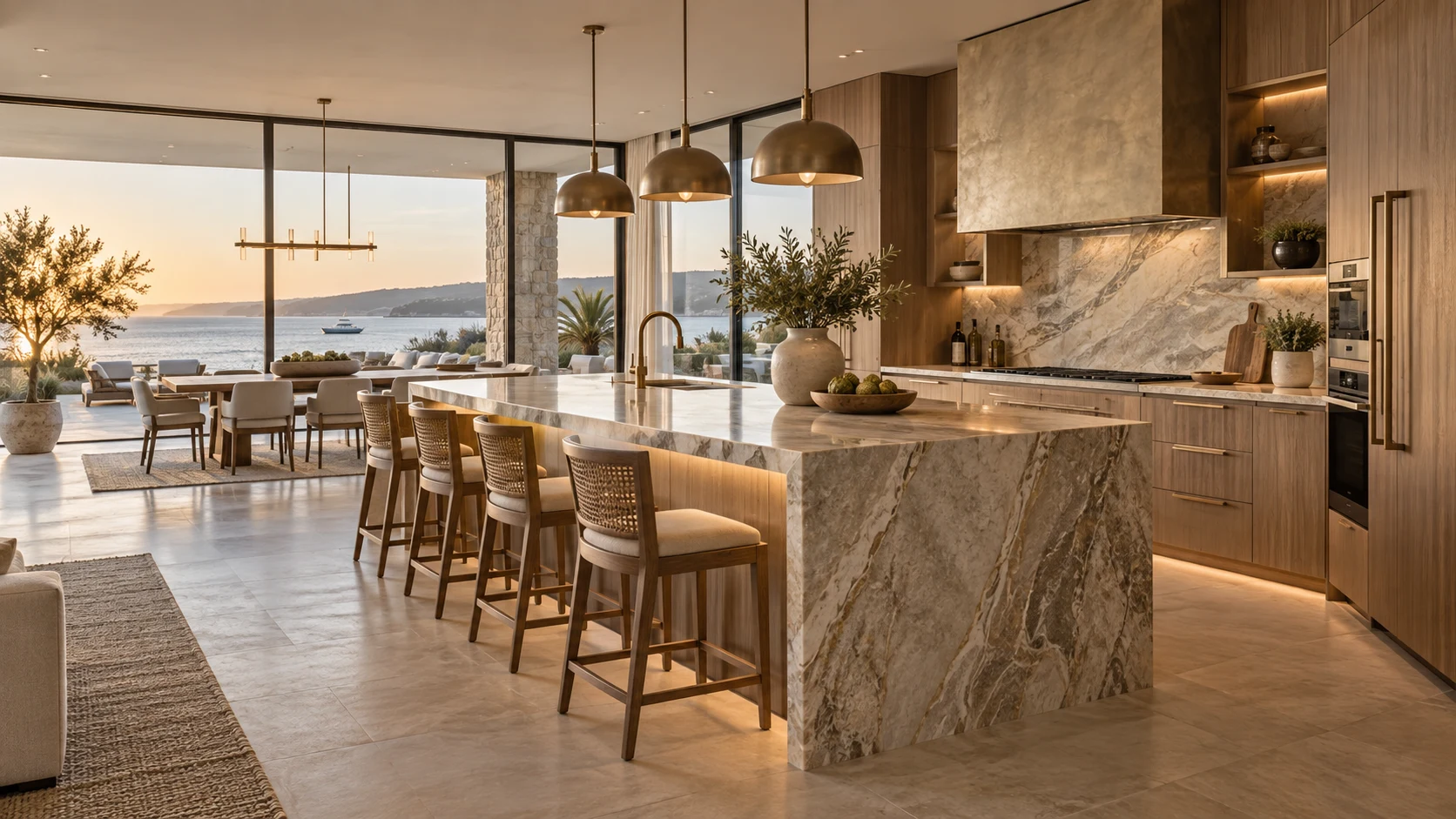
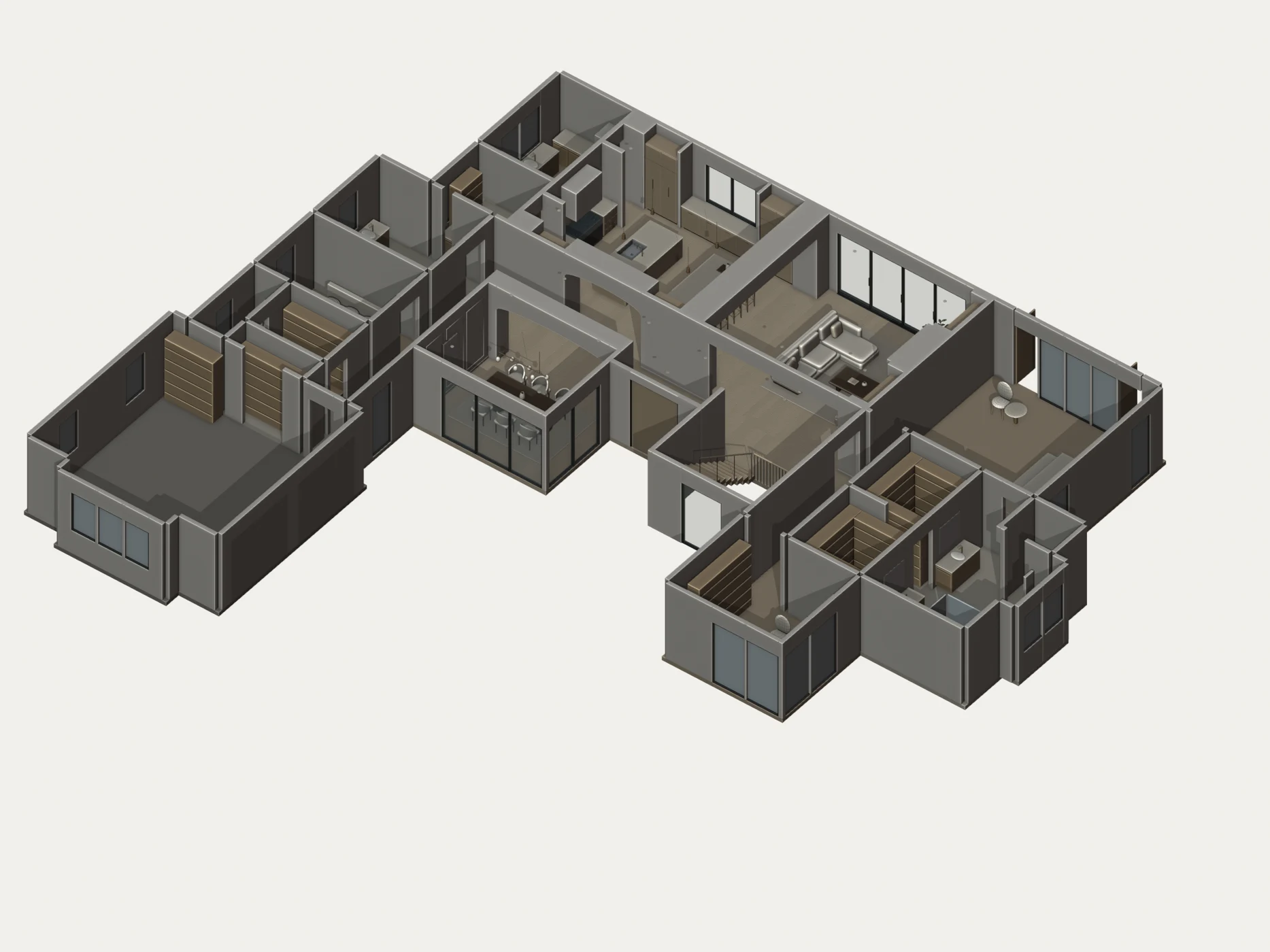
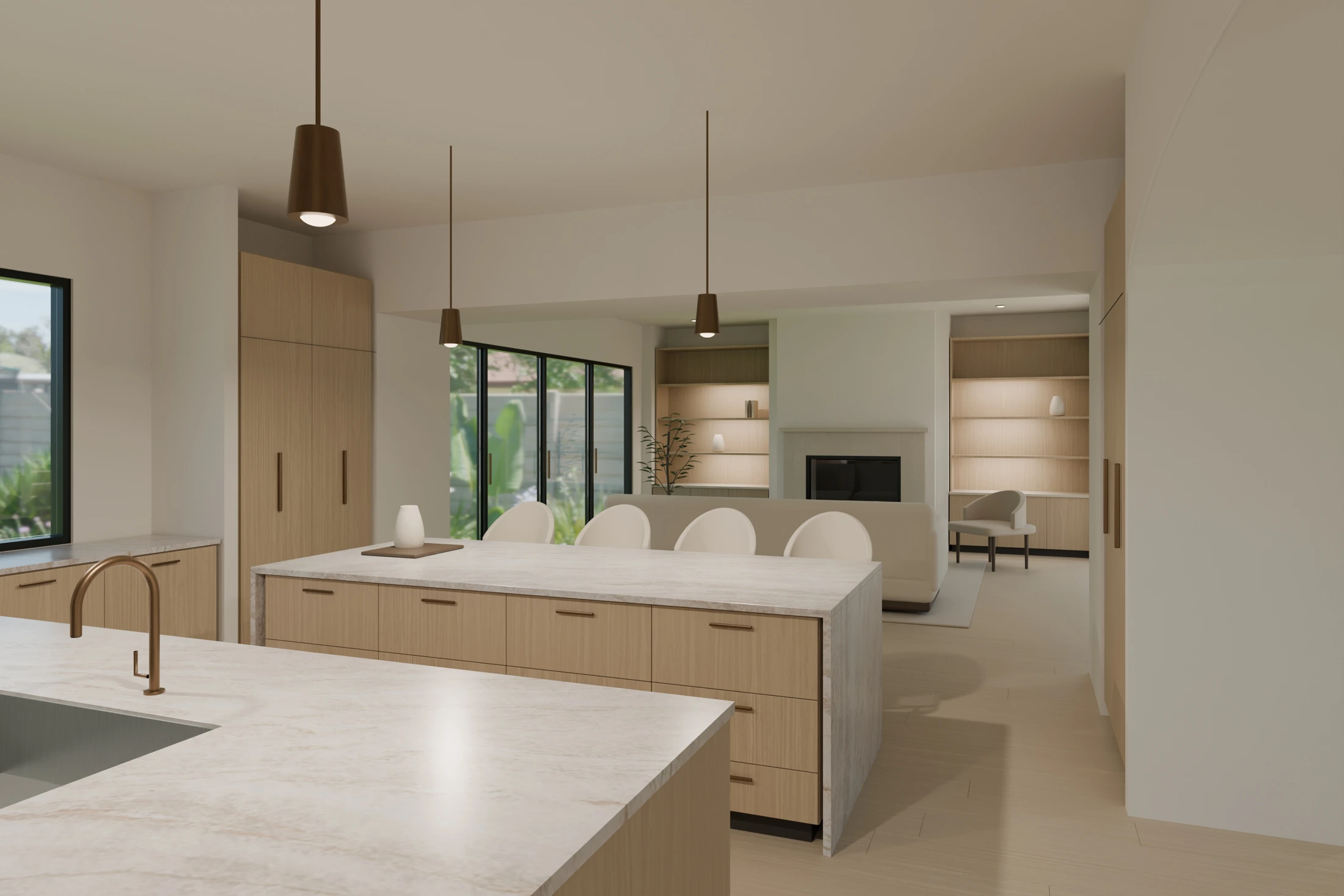
The supplied main-floor plan and material palette became a furnished 3D scene, interior renderings and a walkthrough with selectable finishes.
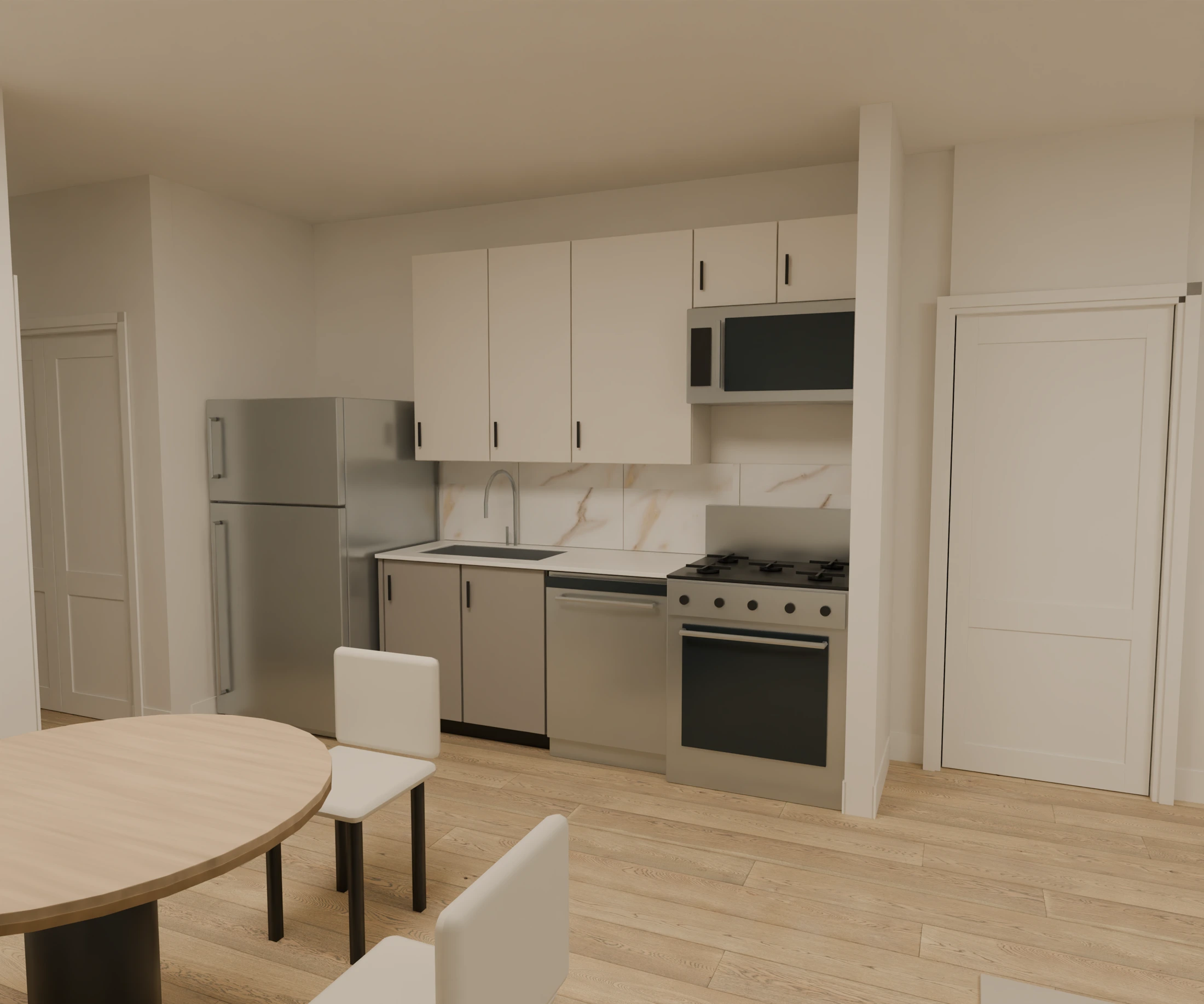
Architectural plans and cabinet references became a furnished apartment within a full-building model, with interior renderings and a navigable walkthrough.
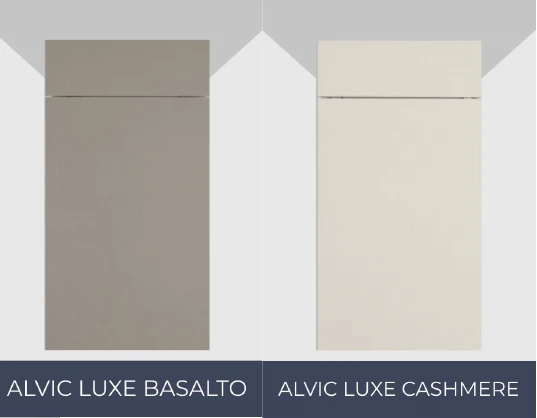
Cabinet finish references from the supplied selections. References communicate design intent; rendered colors vary with lighting.
Project outputs Interior renderings · Furnished building model · Native interactive walkthrough
Project identities and drawing annotations are withheld. Plans are simplified linework excerpts of the supplied drawings. “After” images are design visualizations, not photographs of completed construction.
A client perspective
CMC Development Group
“Pelham House has become an incremental part of our design and development process. Their ability to take our 2D plans and turn them into immersive 3D spaces our team and clients can experience has been a game changer. It's led to more contracts and overall client satisfaction.”
Recorded inside the residential project’s native walkthrough: cabinetry and countertops change in the same room. This is the material-review experience, paired with the project renderings above.
Actual project recording · Cabinet & countertop options 10-second excerpt · No audio
Built for the decision
Help them see it. Help them say yes.
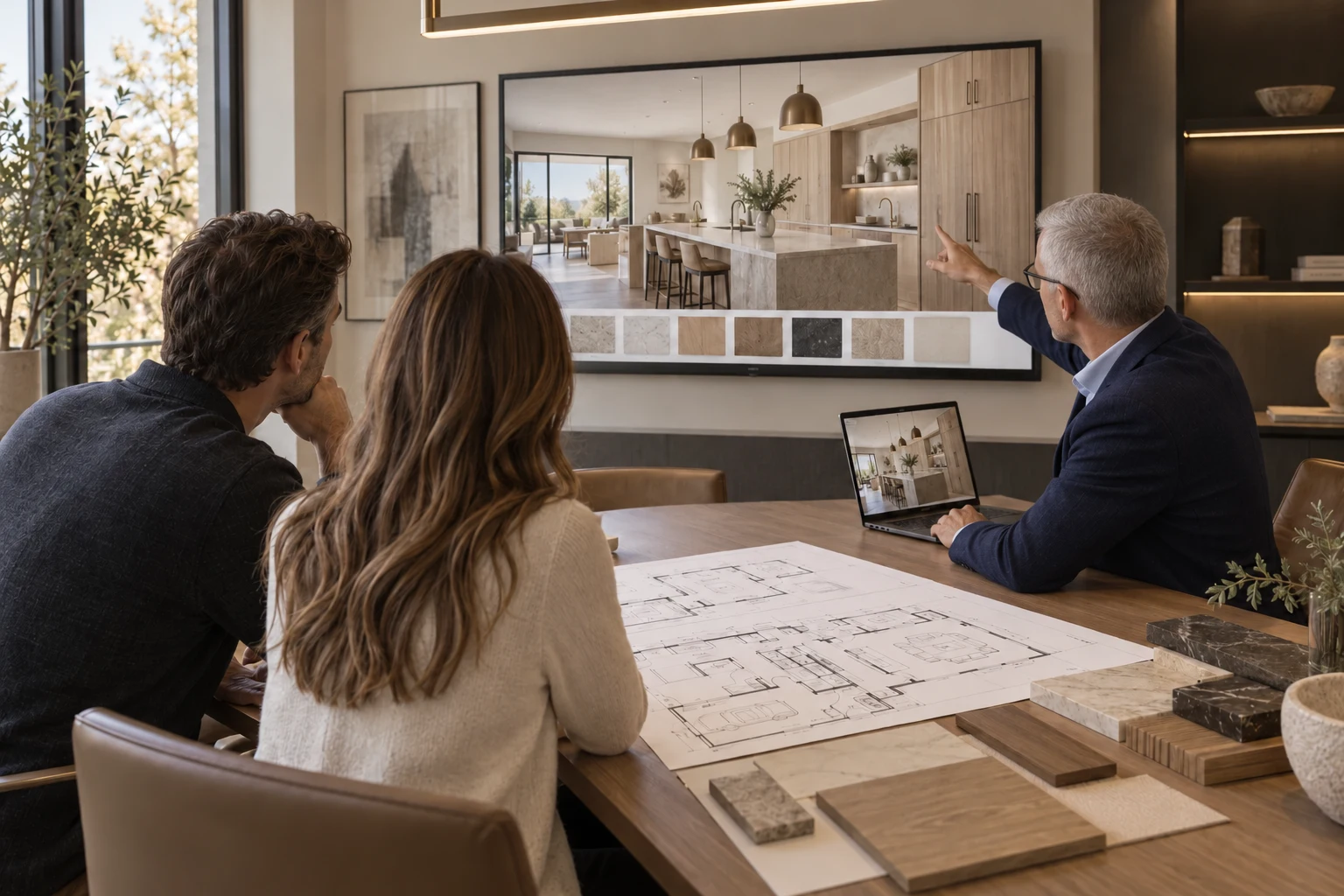
Present the design, navigate the layout and compare finishes together. Give clients something concrete to respond to when choosing their space—and their building partner.
Illustrative presentation setting · Project work is shown in the examples above.
05 / What you receive
Show the space. Tell the whole story.
For custom homes, multifamily and commercial spaces. We agree the rooms, finish options and presentation format before production begins.
Composed interior and exterior stills with considered lighting, materials and detail. Made for presentations, marketing and design reviews.
High-resolution rendered images
02
Walkthroughs & exploration
A rendered film guides the story. A native interactive walkthrough lets your audience choose where to look and move. Browser previews offer a lighter overview.
Walkthrough film · Interactive experience · Browser model preview
03
Material decisions
Compare agreed cabinetry, stone, tile and flooring within the same scene. Review options together before ordering.
Coordinated finish options · Guided reviews
06 / The process
Your next great presentation starts here.
01
Share the plans
Send drawings and material references. We agree the scope and deliverables.
02
Build the scene
We develop the spaces, lighting and selected finish options.
03
Review & refine
Explore the design together and consolidate your feedback.
04
Receive & present
Receive the agreed images, film or interactive experience, ready for your audience.
07 / The studio
We make the unbuilt feel real.
Pelham House is a boutique architectural visualization studio. We turn plans and specifications into imagery and interactive spaces that help people understand a design and make confident decisions.
Pelham House · Studio concept
08 / Start a conversation
Let’s bring your plans to life.
A few details are all we need to start. We’ll follow up about plans, timing and the right deliverables.